How can I embed a whiteboard in my presentation?
How can I embed a whiteboard in my presentation?

Some specialised tools like presentations built with Canva or Miro can easily switch from a presentation mode to a whiteboard mode.
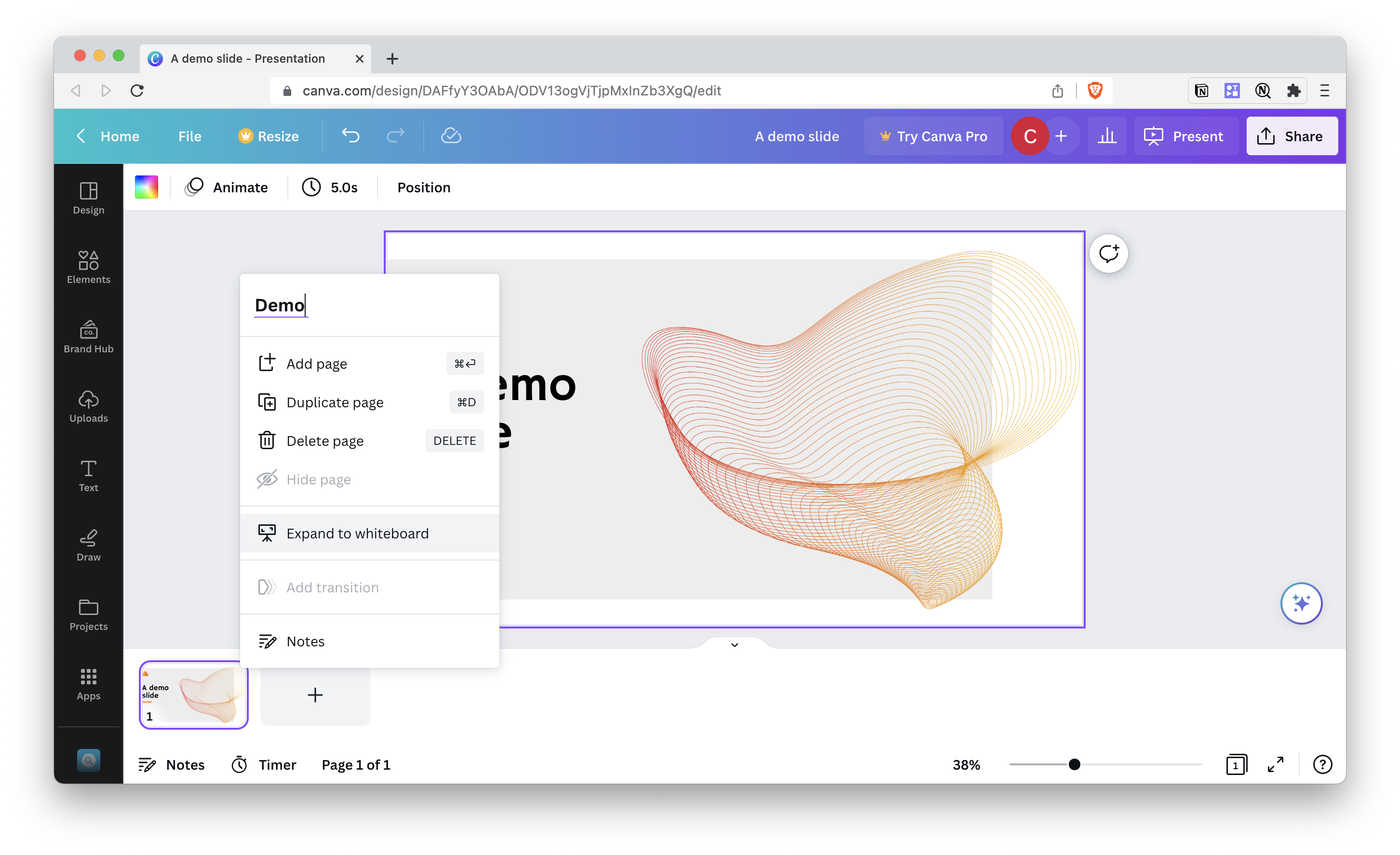
Classical tools like Google Slides, Keynote or Powerpoint don't allow you to embed a whiteboard (directly from Miro, for example). But instead, you can make a screenshot of your zoomed-out whiteboard, add it to your presentation and add a link to the image. So when you arrive at that slide:

  • You can easily click on the whiteboard screenshot to access the whiteboard

  • And if the details have changed in the whiteboard, it's not an issue as your screenshot shows the overview, and each sticky note isn't readable as it's too zoomed out.

Q&A: Presentations and Service Design

Buy nowLearn more

Efficient presentations

  • What are tools to create presentations faster?
  • When should I create a presentation and when not?
  • What are good storylines I can use to structure a presentation?
  • How to create quickly summaries for presentations?
  • What's one of the best slide structure and design?

Interactive presentations

  • How can I use a presentation as a prototype?
  • How can I embed a whiteboard in my presentation?
  • How can I embed a timer in my presentation?

Presentations and public speaking

  • How can I keep the engagement and focus high during a presentation?
  • How can you write and prepare good presenter notes for your presentations?
  • ▶️ How can I make presenting less painful?

Long presentations

  • How to create presentations that work for multiple stakeholders?
  • How can I fix a presentation that goes all over the place?
  • What are good ways to finish a presentation?