How can I create a storyboard if I don’t know how to draw?

You don't need to be able to draw to create a visual storyboard. Here a few tools and methods that can help you out to "draw without drawing":
Remix existing drawings
There are people who have already made drawings that you can re-use to create your own drawing. For example, to show a scene of a person with a computer, you just bring together two different pieces: a person, and a computer.
Innosketch Kit
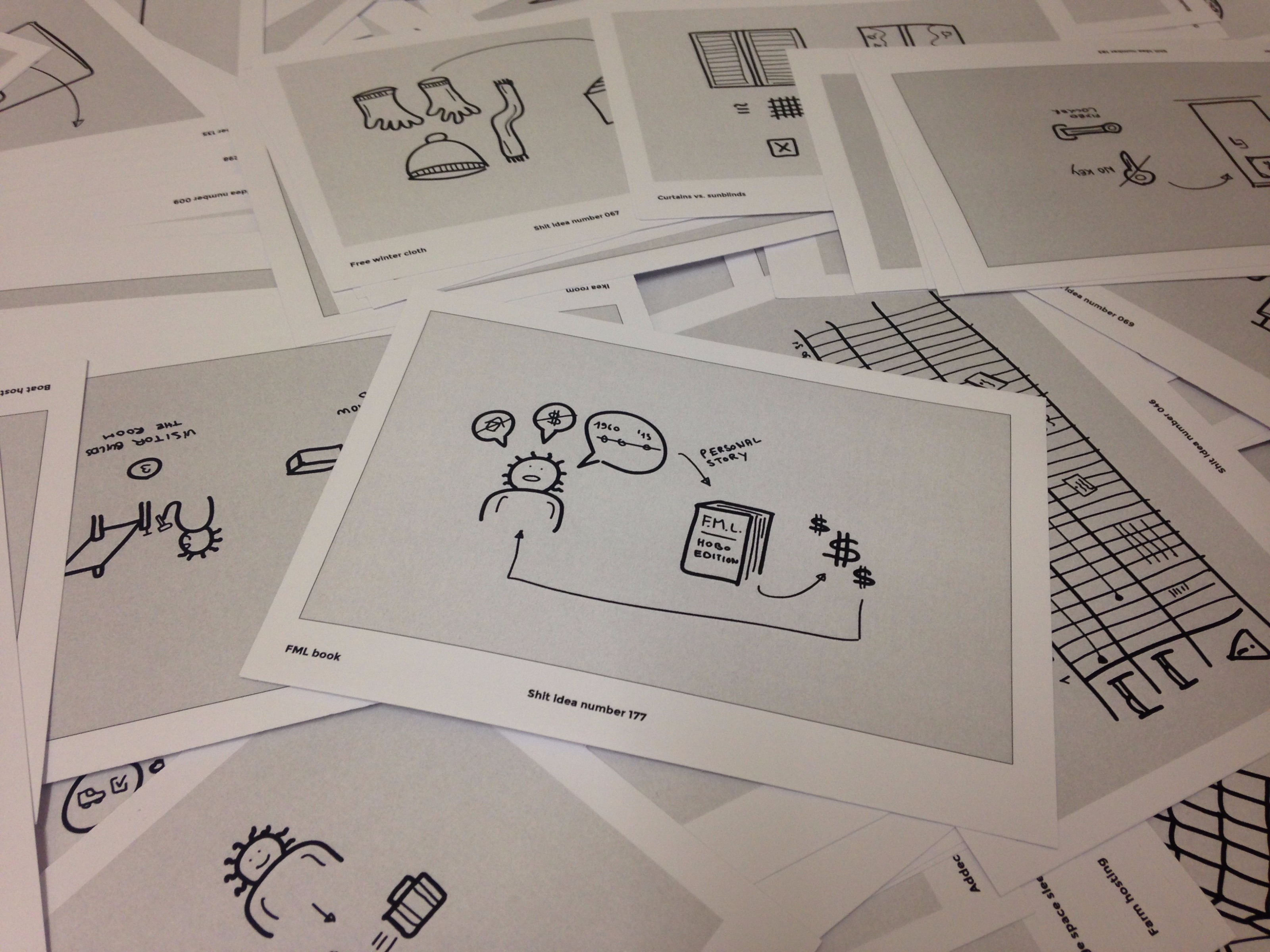
I've taken 300 illustrations I've created and broke them down into small elements (like a book, a danger sign, a man, etc) that you can re-use in any program.
Storyboarding Toolkit

If you are using the whiteboard tool Miro, Ben Crothers has created a lovely template called the Storyboarding Toolkit that can be pretty helpful.
Get the Storyboarding Toolkit for Miro
Use existing illustrations
There are a lot of illustrations set that are of very high quality and are "generic" enough so that they can fit your storyboard.
Undraw

Undraw is maybe my favorite one, because it has not only a great search feature, but you can also easily change the color of the illustrations to fit your brand. Plus, did I tell you it's completely free?
Streamline

If you want a bit more flexibility, Streamline has 20+ illustration sets that you can use in your storyboard. This is a subscription-based service, but you can obviously just pay it for a month while you're finishing your storyboard. It will still cost you way less than paying an illustrator.
Role-play and record it
Don't know how to draw but feel comfortable with your body and acting: just role-play the different parts of your storyboard. You can then either record it in video or photos with your smartphone.
Use legos and toys
If you have a kid or still have your toys from the days when you were little, you can use these toys and legos to create tiny scenes for your storyboard.
Once you have created a scene, you can easily take a photo of it with your smartphone.
That's obviously one of the most fun ways to create a storyboard.