Give multiple dots to vote and make it fun
Give multiple dots to vote and make it fun

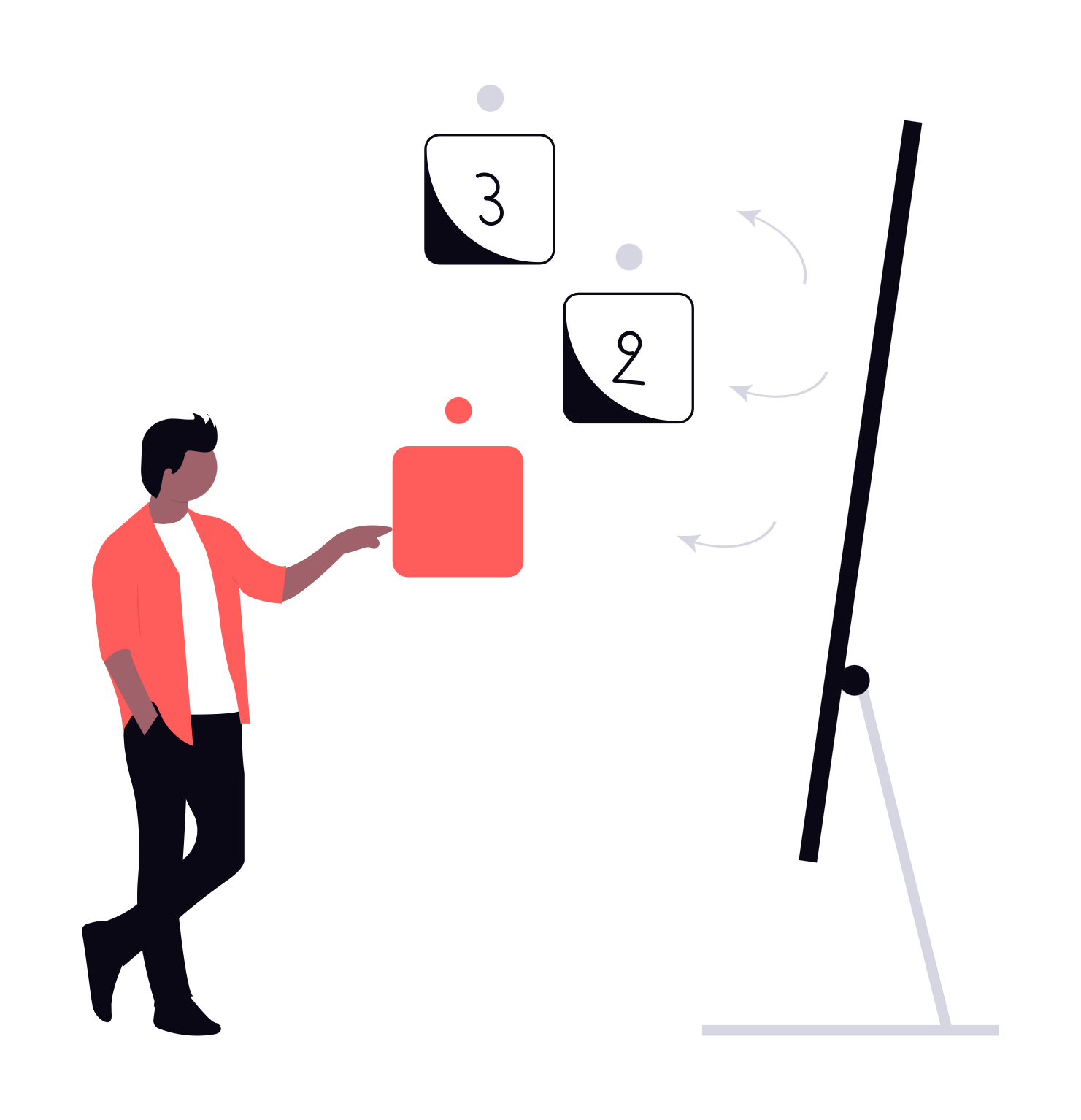
An illustration of a person voting with dots

Place the different options you want to vote on on different sticky notes on a wall. If you have followed the advice from this course this should be no extra work as you already took notes of the main ideas on sticky notes.

You'll then introduce the idea of voting by dots: if you are fancy you can give little dot stickers to people and if you are just practical person every participant can use a pen to draw a dot.

Each person gets the same amount of dots to vote. Usually between 3 to 5 to make the voting go quick. Each participant can vote for the best idea by placing a dot on the sticky note of the idea.

But to make it a bit more fun, people can split their votes on different ideas, or they can put multiple votes on the same idea to show that this particular idea is really, really, really smart.

When people have their dots, and know how to vote, I suggest to remind them what's the criteria to vote. For example: vote for the idea you find the most fun to work on. Vote for the idea that has the most impact. Vote for the solution that is the quickest to implement. And so on.

At the end of the dot voting session, I recommend that you rearrange your sticky notes. Sort the ideas by number of votes. The one with most votes goes on the top of the wall, and the one with the least votes goes at the bottom of the wall.

By doing so we can quickly see what is the best idea for the team.

From there, it's up to you. Either you choose just the best idea, or you have a quick conversation to choose between the top three as an important piece of feedback might influence your final choice.

What's sure is that you don't need to talk about the ideas that have no or nearly no votes. What would have been usually the case. Thanks to the little dots you saved some precious minutes!

By the way, voting with dots is something that is well documented, it has even a name: it's called dotmocracy. If you want to look smart during the next office dinner party I recommend that you read the interesting Wikipedia article that explains everything about dotmocracy or dot voting.

Free Facilitation Course: Simple tips for less terrible meetings

Buy nowLearn more

Introduction

  • Meet your coach
  • What you won't learn
  • The three big meeting problems we'll tackle
  • The seven tricks I'll teach you
  • When did I write this course?

1. Setup roles and rules so that it feels like a game

  • Introduction
  • Set the time keeper role or bad cop
  • Set the caring parent role or good cop
  • Set minimal rules and make people agree to them personally
  • Remember this

2. Define a time limit per topic to ensure you end up on time

  • Introduction
  • Realize that you have less time than planned
  • Set a buffer time
  • Set a visible timer for each topic
  • Remember this

3. Use sticky notes to show where the discussion is

  • Introduction
  • Put sticky notes on a wall and use them to build clarity
  • Use one sticky note per idea, group it and move it
  • Write in an easy to read way
  • Remember this

4. Create a parking space for new ideas and off topic elements

  • Introduction
  • Make the parking visible and tell the story
  • Have time? Review the parking at the end
  • In a rush? Add categories in your parking
  • Remember this

5. Use votes to not talk for hours about what's already obvious

  • Introduction
  • Give multiple dots to vote and make it fun
  • Use faith or another culturally relevant voting criteria
  • Use multiple rounds of votes for complex decisions
  • Remember this

6. Make people work in smaller groups and then share the summary

  • Introduction
  • Split for discussion and join for sharing
  • Make groups of no more than 4
  • Give a clear challenge, a clear timing and a clear end result
  • Remember this

7. Separate the mindsets to make it less confusing

  • Introduction
  • Separate coming up with ideas and deciding
  • Separate the criteria when deciding
  • Mark the separation of mindsets
  • Remember this

What you learned and how to make it stick

  • Introduction
  • Review the summary and the one thing to remember
  • Learn by teaching
  • Make a plan

End notes

  • Introduction
  • Thank you note
  • License