- Nov 27, 2025
What apps do I use to lay out my books?
- Daniele Catalanotto
- Books and courses creation
Published in the Backstage Blog
Reedsy Studio for biographies
Lately, I've been working on biographies. For such books, the text is basically a simple flow and the layout doesn’t have to be very fancy.
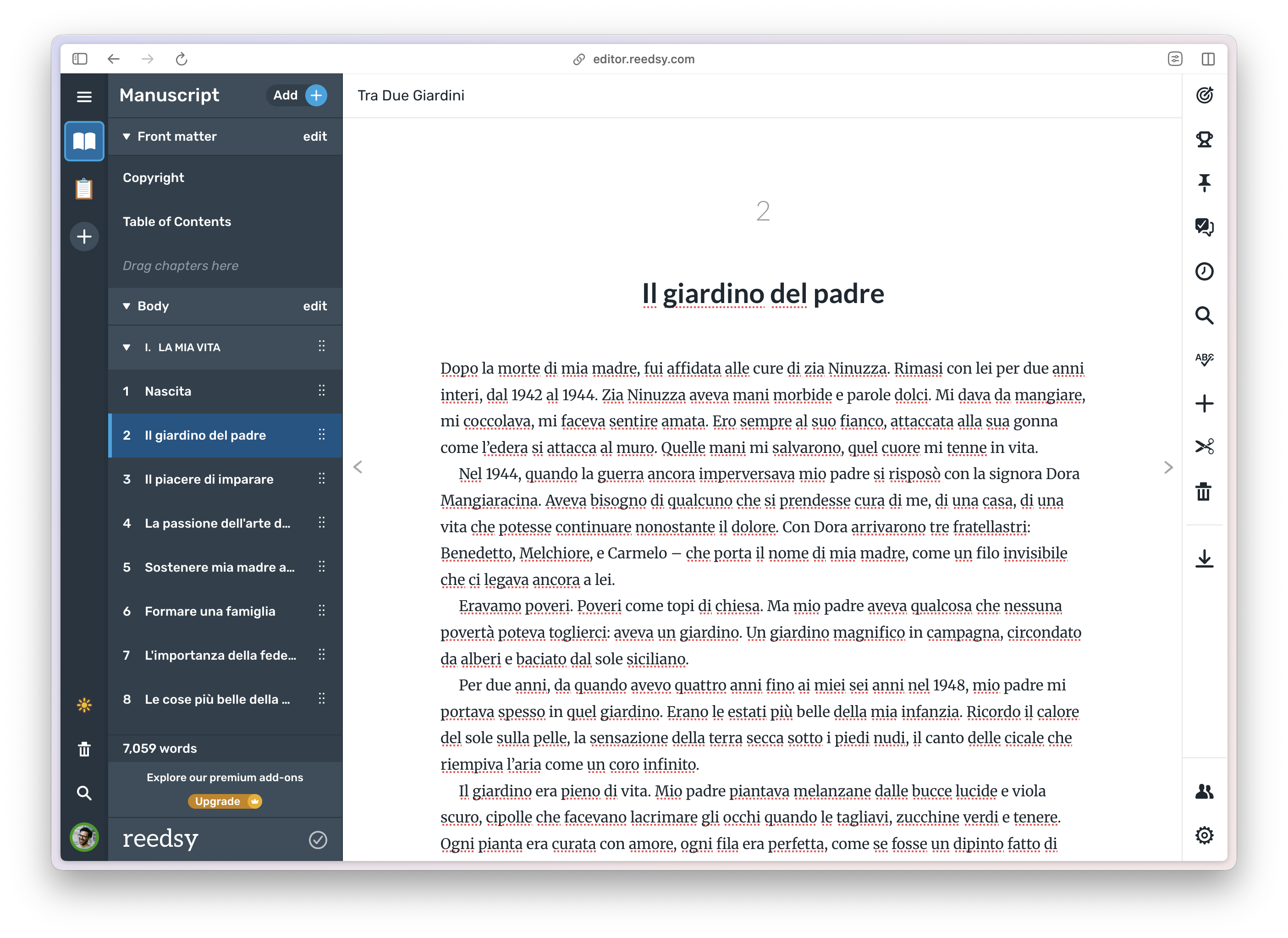
A screenshot of the Reedsy Studio app showing a chapter of the biography of my grand mother
Having a more minimalistic app where I basically just enter the text and the chapters is just what I need. Reedsy Studio is really that app where you don't think about the layout at all while creating the book. The app figures out how to layout everything, and it gives you both a PDF version for printing and an EPUB for reading on a tablet.
This app works well for books like biographies or books with long texts that maybe have a few photos in it. It works well for books where you don't have any tables or any special layouts. Which is exactly the case of biographies.
The one thing that I appreciate about the Reedsy app is that the pocket format that you can export in a few click is compatible with Lulu's print-on-demand service.
Apple Pages for the Service Design Principles series
I've been using Apple Pages for years for the books in my Service Design Principles series.
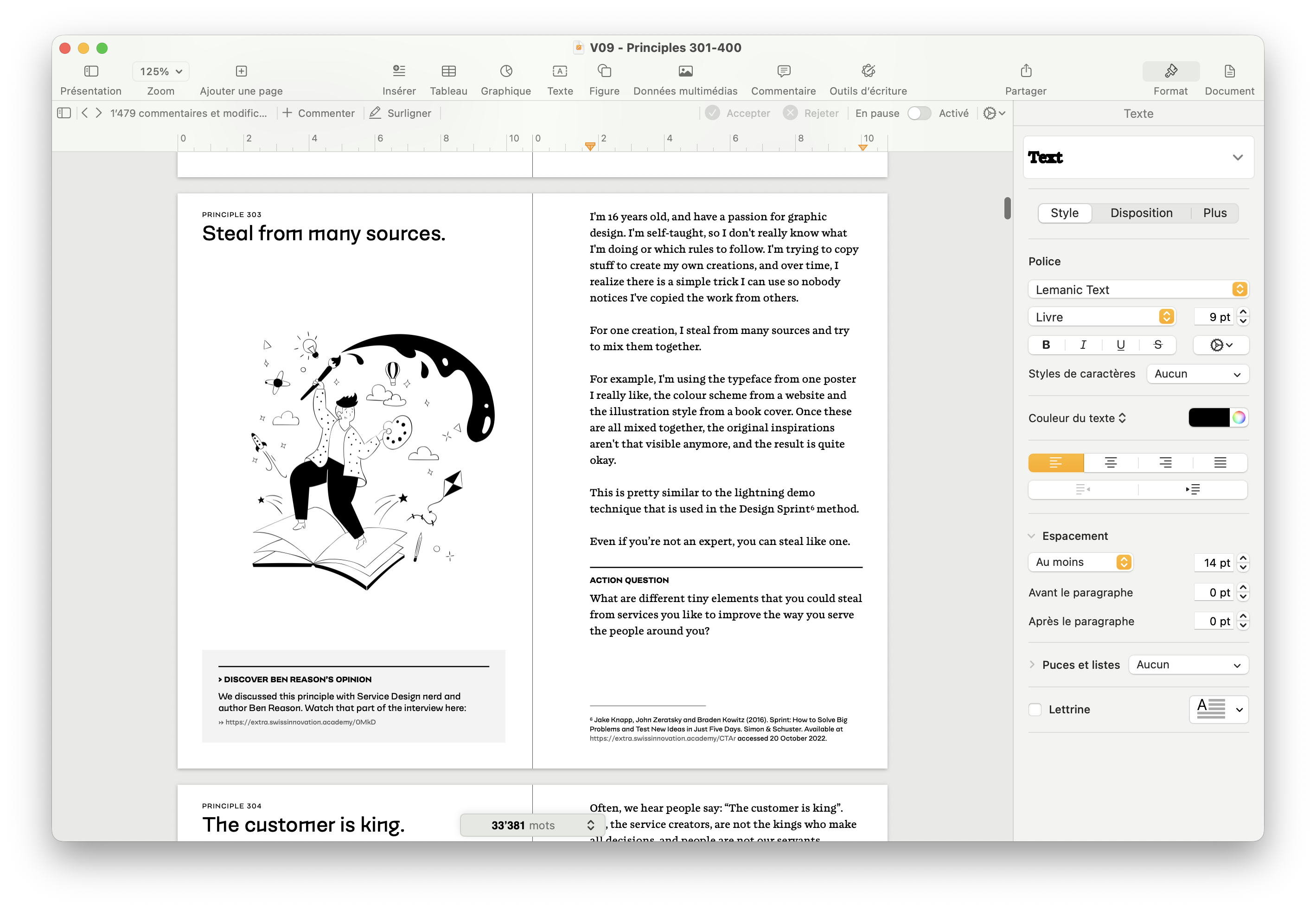
A screenshot of Apple Pages showing the book Service Design Principles 301-400
Apple Pages is much easier and much faster to use than something like Adobe InDesign. And I don't have to pay a monthly license for it. And yet, it has enough possibilities to design the layout as you wish.
For example, in the Service Design Principles series, I have a very clear rhythm, or visual rhythm, that I want to have. With title and illustration on the left page, the story on the right page, and below the story an action question. For some of the principles I want to have an additional box that refers back to an interview that I made with someone where I wish to also have the photo of that person. So that's a more complex layout where the layout is really part of the book itself.
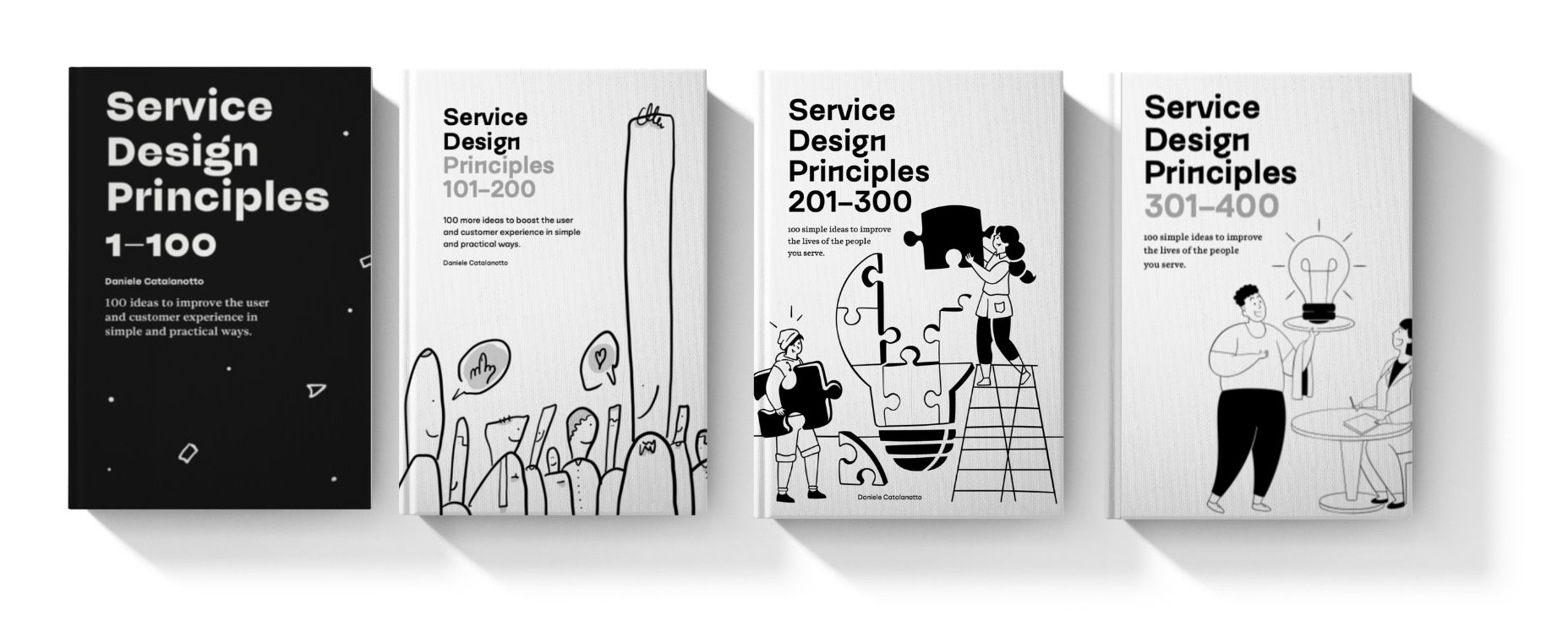
Covers of the first four books in the Service Design Principles series
That's why for such books I'm using Apple Pages. It's slower and a little bit messier to use than something minimalistic like Reedsy, but it gives you more design power.
Bookwright for children's books
Bookwright is an app created by Blurb that fits into their print-on-demand services. It allows you to create photo books, albums and stuff like that very easily by drag and dropping your images. You can still add in free form where you want texts.
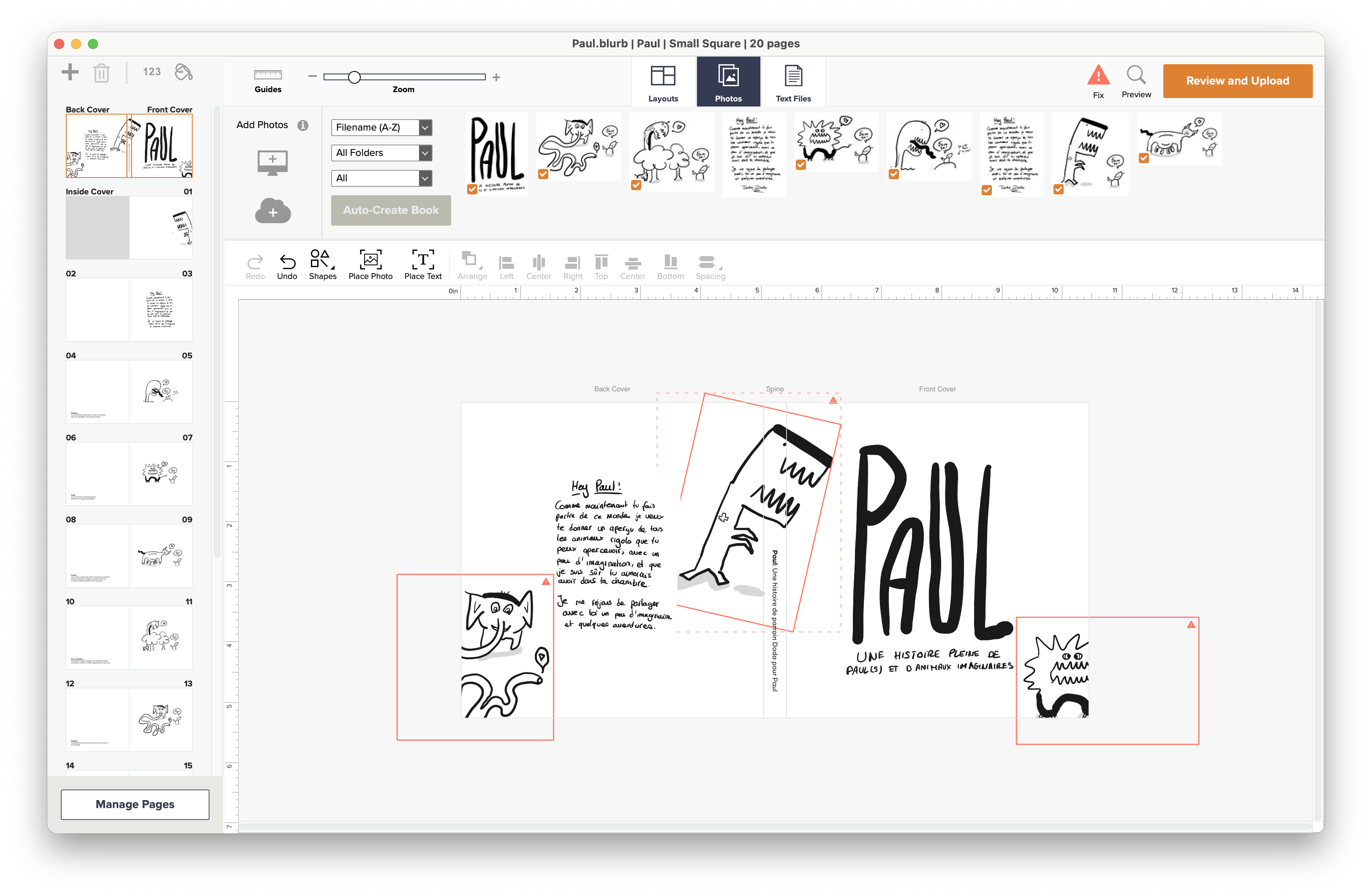
A screenshot of the Bookwright app showing a children book made for my Godson
I use mostly Bookwright for children's books. These are books where I do the illustrations on my own on my iPad and export them. In the app I can then lay out these illustrations on the book spread very easily and add the short texts directly from there.
Why am I doing it directly in Bookwright? Because the app speaks directly to Blurb the print-on-demand service that I use for more high quality books. By using this app, I'm completely sure that everything will be printed out exactly as it's shown in the app.
Blurb books are more expensive but they are of higher quality. Especially for children's books they have some lay-flat book formats with very thick, nearly cardboard-like paper that ensures that the small ones can't rip the pages so easily.
Written with AI help
This article is based on an audio note I took that was transcribed and cleaned using Notion AI meeting notes. I then reviewed and improved the text by hand.
Newsletter
Weekly Service Design Digest
Meet the creator
I worked with clients from all over the world to help them find innovative solutions to their problem. I've been blessed to be able to learn a lot.
Today I want to share these learnings back with the community. That's why I've built the Swiss Innovation Academy.