What online tools do I use to build an online course?

In this article, I want to share with you what are the apps and online services I use to build my online courses and other books.
Publishing
Let’s first talk about publishing. Creating courses is all great and fine, but you need to be able to share them easily. For this, I use two different services.
Podia: Online course platform

Podia is in a way the heart of my little side project operation. This tool allows me to sell online courses and digital products, like my ebooks.
There are a few things I really like about Podia. The first one is maybe its design and simplicity. Both for me as the course creator and for you the future student. The interface is just simple, clean and super clear. Many of the online course platforms I have tested are really powerful, but just don’t make you want to spend time into them.
Another great thing about Podia is that I can use it to sell all my online products under one roof. I don’t need a platform for my online courses and another to sell my ebooks. I can do it in the same tool. That comes pretty handy as for customers it means they can log in one tool and get access to all what they bought from me.
The third point I really like about Podia, is that it’s a really great tool for building online courses. It hosts your videos and files. You don’t have to first upload all your videos on youtube. No, you can do it all in the same tool. Which comes pretty handy when you are building a course with 100 videos! Okay. You got it, I pretty much like Podia. Let’s talk about another publishing tool I use.
Amazon KDP: ebook publishing and print on demand

Amazon KDP is a service from Amazon which allows you to publish your ebooks on Amazon and transform your PDF documents on real paperback books that people can buy on Amazon! Having your books listed on Amazon is pretty great as you can brag about it 😛Always sounds nice to say that you it’s possible to buy your book on Amazon, no?
Outside this pure ego-centric point it’s also a great way to publish printed books without spending tons of money. You don’t have to have an inventory. You just buy one for yourself to check if everything is right, and then everybody else can buy the book. You don’t have to print it, package it, nor send it. It’s all managed for you. Sure, they take a big chunk of the profits for that, but the piece of mind is so great!
Marketing
So now you have the tools to sell your courses. But you’ll also need a few tools to let people know that these courses and books exist.
Squarespace: Website and blog
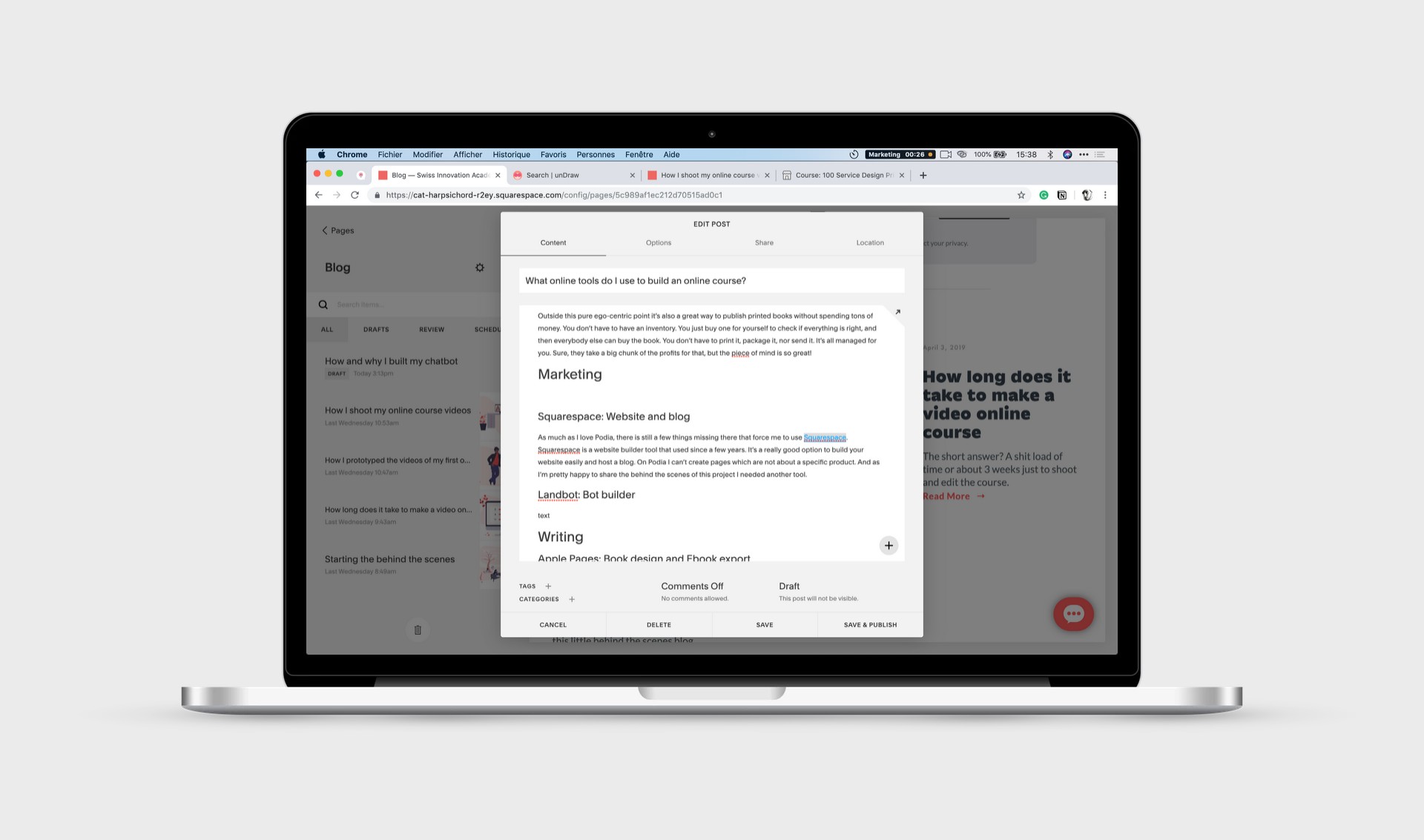
As much as I love Podia, there is still a few things missing there that force me to use Squarespace. Squarespace is a website builder tool that used for a few years. It’s a really good option to build your website easily and host a blog. On Podia I can’t create pages which are not about a specific product. And as I’m pretty happy to share the behind the scenes of this project I needed another tool.
Landbot: Bot builder

Bots are a fun little marketing tool. People love to interact with them and they are a nice little wow effect on a website. I created custom bots in for my first course as Podia didn’t have a Quiz feature at that time. It was pretty time consuming but then the quiz felt more like a conversation as I math exam. Which is pretty nice.
I also created another bot for this website. You can interact with it by clicking on the red button on the bottom right of the screen. For all of these bots, I used the same tool: landbot. It’s a really simple tool that allows you to build conversations trees in which the users can play around. It’s like building one of these books that you read when you were a kid, you know the books where you decide how the adventure goes!
Writing
Apple Pages: Book design and Ebook export
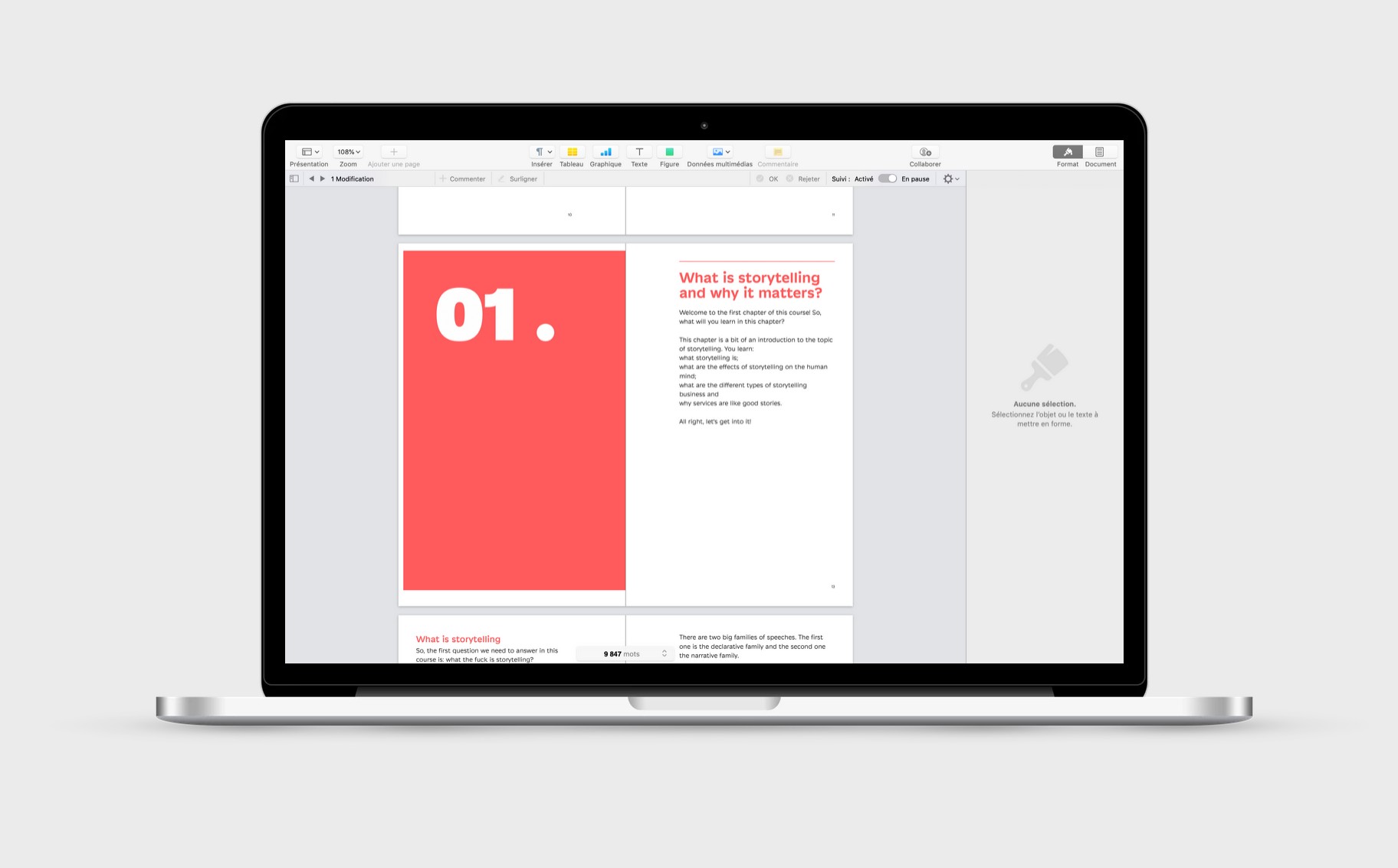
To design the upcoming books I found a new workflow that makes me save a lot of time. I use Apple Pages to both design the printed version of the book and then export it as an ebook. I designed the print version of my last book in Indesign and the ebook version in iBooks Author. But the back and forth is really time-consuming. Working only with Apple Pages is a bit frustrating and limiting in terms of design. But it’s just so much faster!
Google Drive and Google Slides
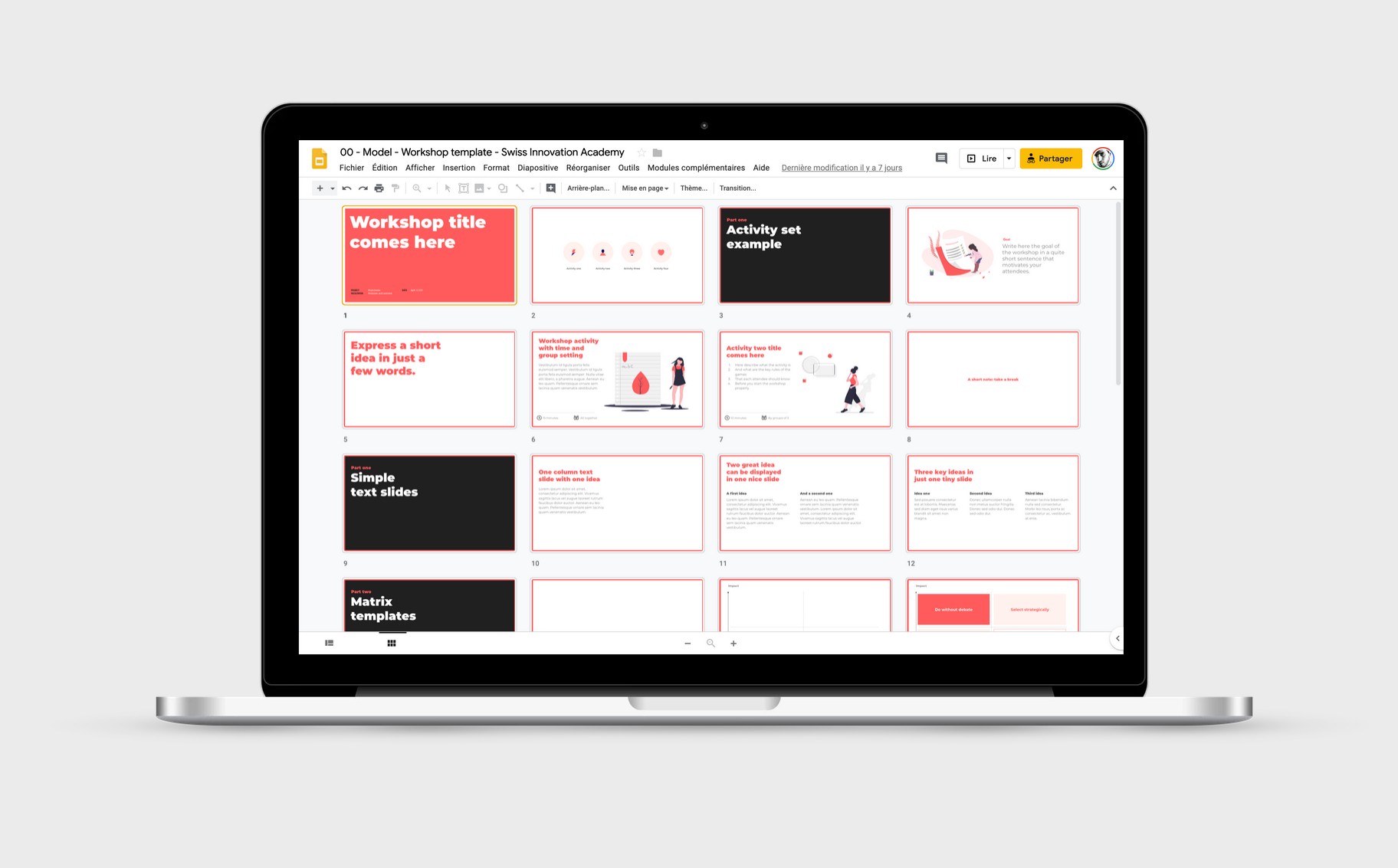
When it comes to creating templates that people can copy, download and adapt Google Slides is the best tool. I love Google Slides as people can simply copy a document and work on it in the browser. Or if they prefer they can download it as powerpoint document that they can then edit in Powerpoint, Keynote or Openoffice.
Grammarly & Antidote: text editing
A big part of the preparation of an online course is of course writing. For my articles, I usually use a mix of Grammarly and Antidote. These apps allow me to check the spelling and grammar of my texts. These aren’t as good as a proper proofreader but they do the job for tiny articles like this one. Grammarly can be used for free and Antidote is a one-time payment. Grammarly works really well for my medium publication, but I still have some issue to make it work in the Squarespace editor.
Papertrue: proofreading

When it comes to proper proofreadings, like for books or my video online course I use Papertrue. It’s a professional service which isn’t the cheapest but the quality is really good and the service really nice. What I particularly like is that Papertrue has this pricing calculator that lets me imagine how much the proofreading will cost for a specific content piece. Usually, for a course, it’s about 400-500 dollars.
Illustrate
Undraw: Illustrations

To illustrate parts of my upcoming courses and the marketing pages I use undraw. This is a wonderful collection of open source illustrations. There are two aspects that make this service especially great. First, it has plenty of illustrations and a good search engine. This makes it possible to quickly find an illustration on a specific topic. The second, and maybe even better aspect is the coloring tool. You can change the main color of the illustrations before you download them. This is a huge time saver. You don’t have to open the .svg file and adapt the illustrations by hand. No, with just a click you’ll get an illustration with colors that fit the rest of your website or course. Nice, right?
Smartmockups: Mockups
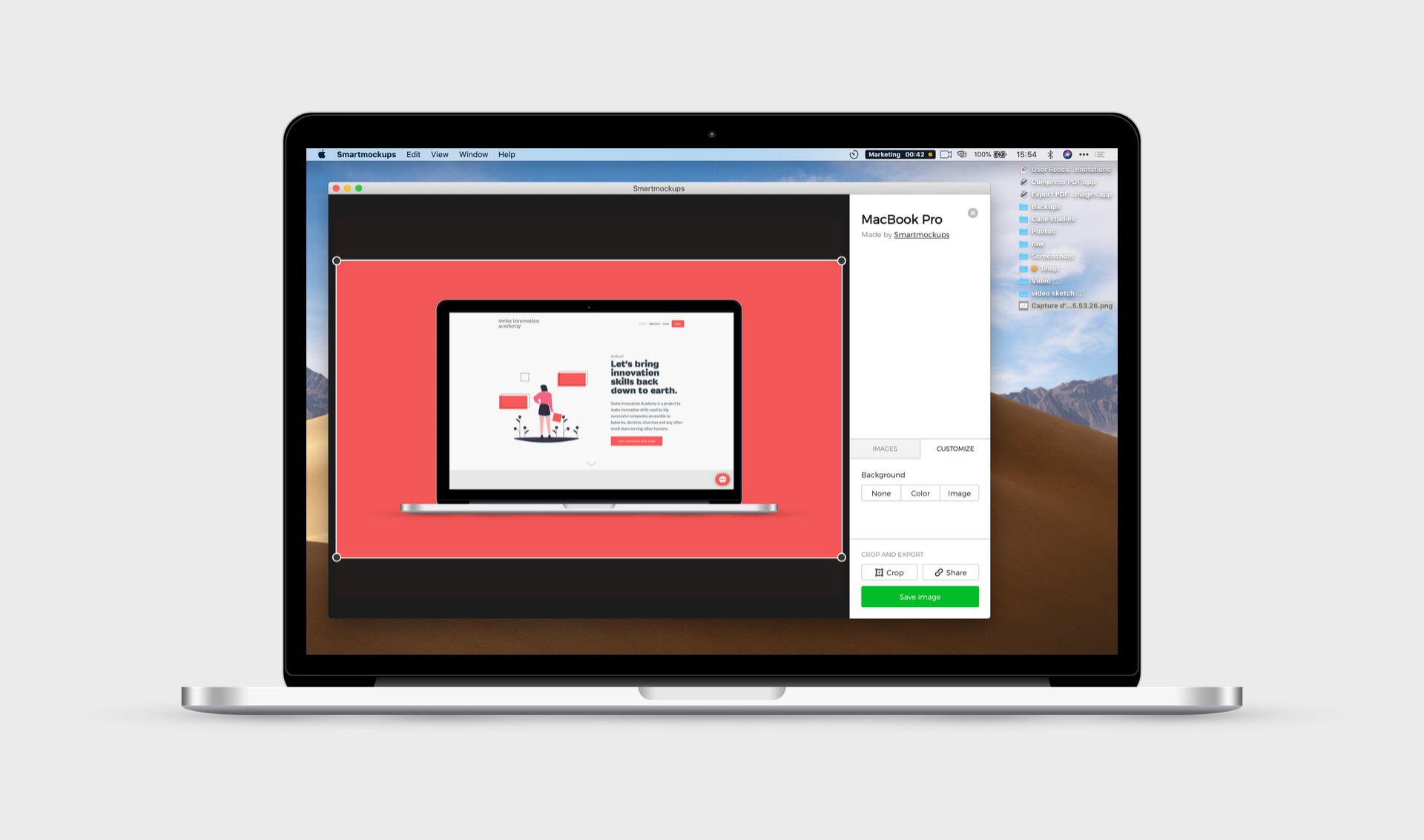
To show apps and tools I do a few screenshots. But just showing a screenshot isn’t really great. So I create so-called mockups where you can see the screenshot in context. For this, I use an app called Smartmockups. I bought the app back in the days when it was still a one-off payment. Now they changed their pricing and it’s a subscription. But the app still works for me, so I feel pretty lucky 🙂You can use the service for free if your register but you won’t have all the mockups. But it’s definitely a good start and the mockups are pretty nice.
Tools for videos
I’ve already wrote another article that covers what are the specific tools and apps I use for shooting and editing videos. If you want read the whole article these are the two most important tools:
Screenflow: editing
Teleprompter Premium: prompter on the iPad with an iPhone remote app
Admin
That’s the part I don’t like. But still, have to do it. When you run a side project which makes a little bit of money you have to take track of the time you spend and how much you make.
And.co

For now, I use and.co to track all my expenses and revenues that I do both with the online courses and with the freelancing gigs I do on the side. As I’m in the process of updating my bookkeeping with a real bookkeeper this tool might change. But for now, this helped me to at least have a bit of context.
Tyme

Time tracking is a pretty good motivator for me. I have the tendency to not see that I’m moving forward. That’s why when I see that I worked already 8 hours writing a course, it shows me that I’m not as lazy as I thought 🤓For this I use the app Tyme. It works both on my Mac and my iPhone. It’s simple and I can also use it for my freelancing stuff. The other good thing is that this is a one-off payment, unlike many other online tracking systems.
Time tracking also helps me give you guys a more precise behind the scenes look for example with articles like the one when I show you how long it took me to shoot and edit 100 videos.
What did I build with all of this?
Okay. That’s a lot of tools. I already owned licenses to most of these tools before I started to create online courses. So don’t think you need all of them. Plus I’m a bit of a tools freak. But the big question is: what can you do with all these tools? For example, build one of the longest online courses on Service Design with 100 videos.

This course teaches 100 simple tips and principles to improve the customer and user experience of your service or product. It condenses about 9 years of practice and was built with the tools I mentioned before.
I hope this article gave you some practical tools to maybe start to build your own course 🤓
— Written on April 8, 2019